Give a small display a specific job
A display beside a service desk should answer the question people ask at that desk. It might introduce a service, explain a short process or show a current promotion. Resist combining unrelated messages merely because a playlist can contain them. A focused content brief makes it easier to assess whether the 21.5-inch format suits the available position and viewing distance.
Write the main message in plain language and place the most useful action where it stays visible. For example, a retail consultation point may need a product image and a brief service explanation rather than a dense catalogue. Treat that as an editorial recommendation, not a claimed conversion result. Compare the indoor signage displays using your actual content draft. If customers must lean forward or wait through several slides to understand the message, revisit the content or placement before choosing the final screen.
Use portrait or landscape intentionally
The published product features support landscape and portrait modes. Select the orientation that fits both the location and the information, then ask how that orientation is configured in the offered hardware and software. A vertical poster and a horizontal service menu should be designed as separate layouts. Simply rotating an existing file can produce awkward text blocks and wasted display space.
Make a paper or digital mock-up at the proposed location and check nearby shelves, door frames and signs. Confirm the enclosure dimensions, mounting pattern and cable positions from a drawing for the actual unit. Do not derive mounting dimensions from the diagonal measurement. If you plan to change orientation after installation, ask whether the bracket and cable route allow that change. Record the approved orientation in the purchase specification so the prepared content, mounting arrangement and software configuration match when the equipment arrives.
Understand the listed panel specifications
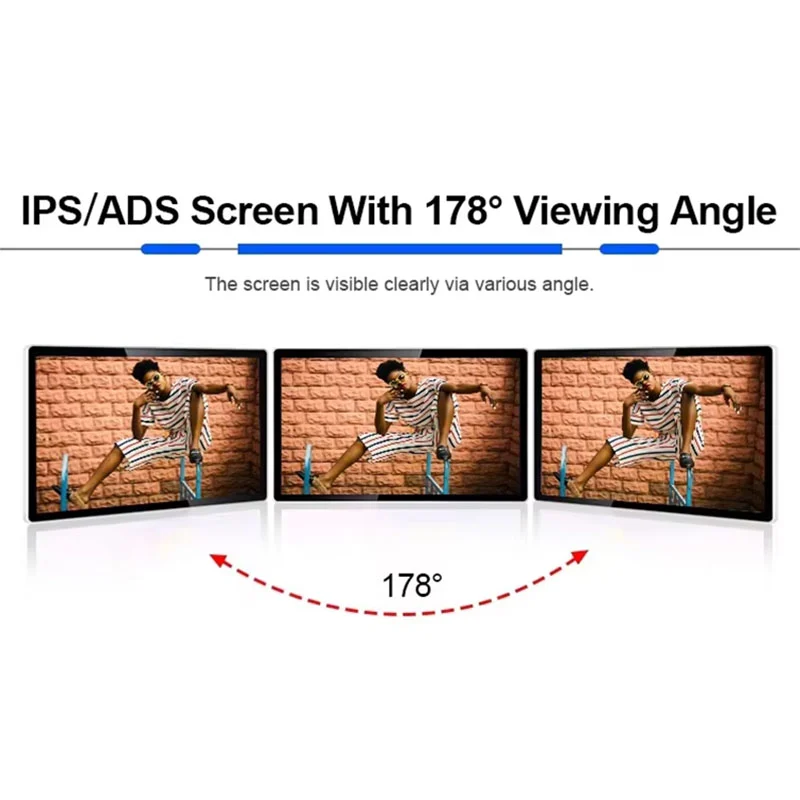
Alihh's product page lists a 16:9 display with 1920 × 1080 resolution, a 1200:1 contrast ratio and a 178-degree viewing-angle specification. These are published product parameters, not independent measurements of your installed display. They help identify the offered configuration, but a sample review should still use the kind of text, images and background colors your business intends to show.
For close-range retail information, inspect small lettering and image detail without assuming that every available font size will be comfortable. Check reflections from spotlights and glazing at the actual viewing position. A viewing-angle figure does not guarantee that a customer can read a small caption from every direction. Ask the quotation to confirm panel brightness and any surface treatment relevant to the site; this page does not assign an unsupported brightness value or an anti-glare specification to the product.
Review the Android software before approving hardware
The product is described with an Android operating system and built-in CMS information publishing software. The source also says buyers can use their own software. That makes the existing software environment an early purchasing topic, rather than something to address after the screens have been shipped. Send the application name, supported Android versions and any deployment requirements to the supplier.
Ask for the actual Android version, processor, memory and storage in the proposed configuration. Those details should appear in the accepted quotation or technical record. Request a demonstration of the intended application, including startup behavior and content playback. Compatibility with Android as a broad platform is not proof that a particular application or peripheral will work without adjustment. If your organization manages devices centrally, describe its enrollment and access requirements and ask which functions can be supported. Keep any integration work clearly separated from the basic display supply.
Clarify CMS, SDK and kiosk-mode scope
The source page lists free CMS and SDK provision as well as kiosk mode. Request the current software package and its documentation so your team can understand the actual scope. Free provision of a tool does not automatically establish unlimited cloud hosting, third-party application licensing or ongoing software development. Ask which services are included, what accounts are needed and whether any charges apply to your deployment.
For kiosk mode, describe the behavior you need: an approved application opening at startup, restrictions on casual access to settings, or another defined requirement. Ask for a demonstration rather than assuming that a feature label meets your security policy. If developers will use the SDK, have them review the available functions and supported environment. The display itself should not be described as a self-service touch terminal solely because kiosk mode is listed; touch capability is a separate requirement to confirm.
Plan connections and audio for the location
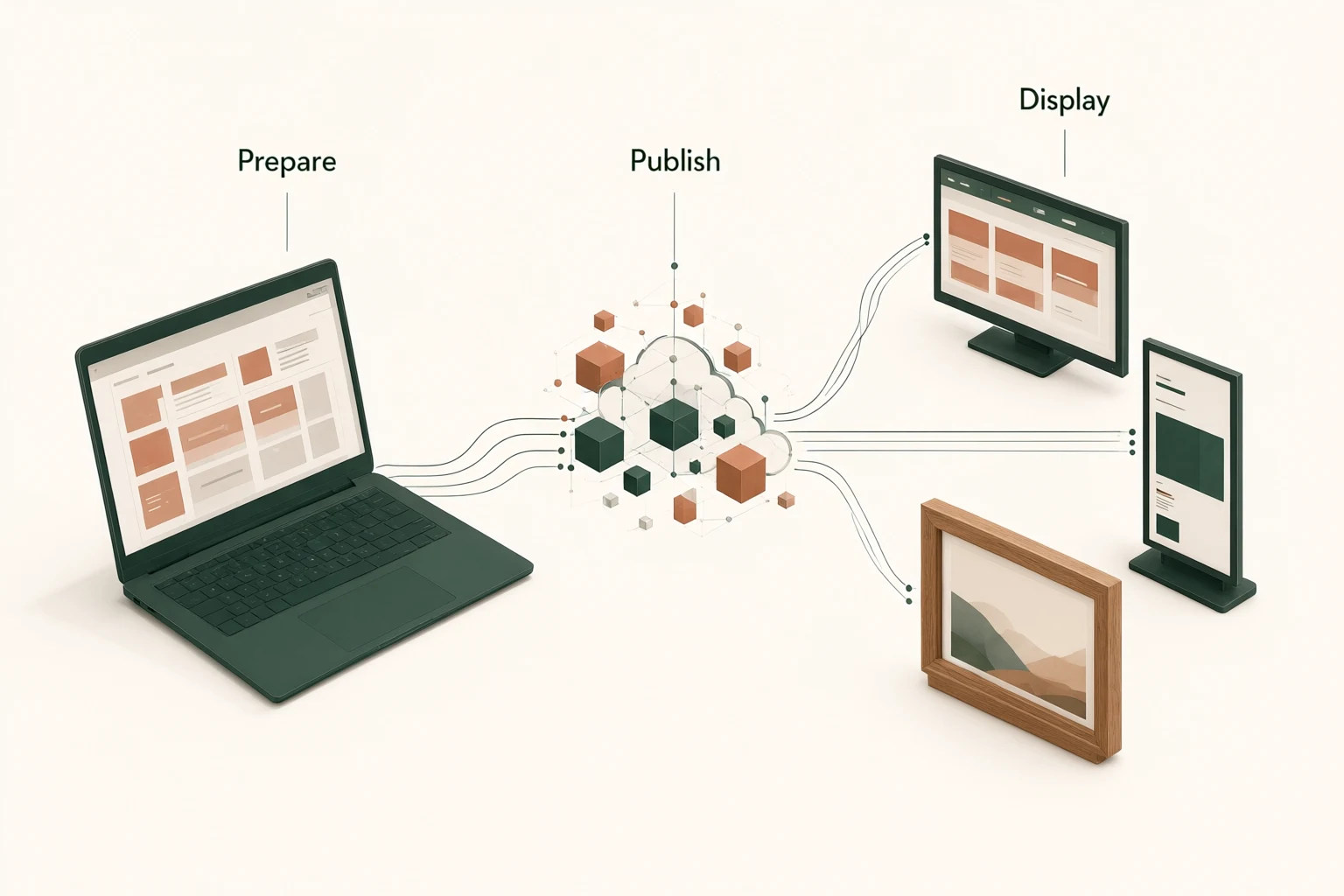
The published product features list HDMI, TF, USB and DC connections, audio output and built-in speakers. Confirm the function and direction of the ports on the offered unit; an HDMI label alone is not a complete integration specification. Ask which media formats and storage arrangements are supported if your team intends to use local files. Include any required cables or adapters in the equipment list.
Audio can be useful for some demonstrations and distracting in a quiet service area. Decide whether sound is required before preparing video assets, and test the volume and content in context. If an external audio system is involved, identify the connection and control requirements. Keep cables away from areas where customers handle goods or staff move equipment. The final installation plan should show both the visible display and the concealed power and signal routes, with enough access to service the equipment later.
Make local content updates easy to verify
Prepare a simple content register that links each screen to its purpose and location. A small display near a payment counter may show different information from one at a consultation desk, even if both use the same hardware. Use recognizable names and keep approved artwork in a controlled location. These are suggested operating practices for the buyer, not a description of a built-in content approval system.
During the software demonstration, publish an updated image, replace an outdated price and check what happens when a file is unsuitable. Ask about previewing, scheduling and device status only where those functions matter to your operation. If several staff members will publish content, discuss access arrangements and responsibilities. A successful update should be easy to recognize on the actual display. Keep the accepted media specification with the artwork templates so future changes do not depend on remembering how the initial installer prepared the files.
Evaluate a sample as a complete installation
Inspect the sample with its proposed bracket, power supply and cable set. Confirm that the hardware matches the agreed specification and that the chosen orientation can be achieved without obstructing connectors. View the content in the intended location or a representative setting. Check the legibility of your smallest necessary text and the appearance of actual product images, not only a colorful demonstration clip.
Then test the operating sequence your staff will use: starting the display, opening the intended application, publishing content and recovering after a controlled restart. Record any network requirements and administrator steps. These are recommended acceptance checks, not claimed factory test results. Agree how production units should match the approved configuration and how a change will be communicated. Before ordering a batch, resolve any difference between the sample, the quotation and the software demonstration so the purchase record describes one consistent package.
Make the screen understandable without sound
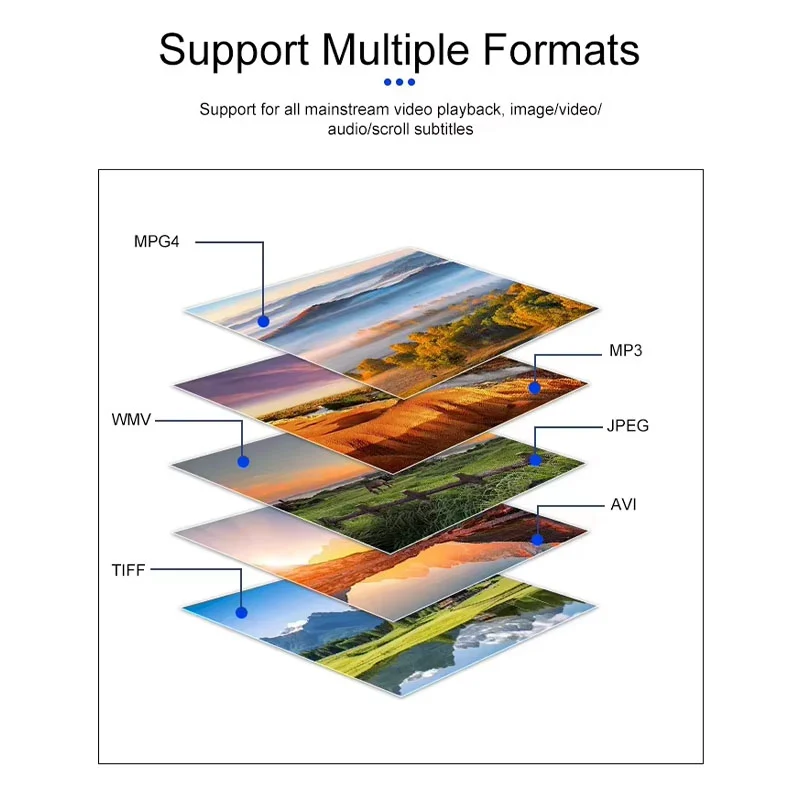
A display near a retail service point may be viewed without audio, even when speakers are available. Prepare your main message so that a customer can understand it from the image, heading and short explanation alone. Where a video demonstration includes spoken instructions, decide whether captions or an accompanying written summary are needed for your audience.
Test the screen while the surrounding store is operating normally. Check whether a person can tell what the offer is and where to ask for help without waiting through the entire playlist. If your content uses a code or short web address, verify it from the intended viewing position and on the actual artwork. The monitor does not validate those destinations, so include them in your team's content review before publication.
Request a quotation for the complete indoor project
A useful enquiry includes display quantity, location photographs, orientation, content examples and destination. State whether you will use the supplied CMS or your own Android application, and identify any network or account restrictions. Include requested branding, mounting parts and packaging needs. Alihh describes OEM and ODM services, but each requested change should be evaluated and quoted for the actual order.
Ask the quotation to identify the hardware configuration, accessories, software scope and commercial terms. Confirm the applicable two-year warranty and lifetime technical maintenance policy in writing, including exclusions and handling arrangements; technical maintenance does not mean lifetime free hardware replacement. You can send an indoor signage project enquiry with these details. If you are still comparing sizes, provide the available wall space and typical viewing position so that the discussion can focus on the customer's reading task rather than screen dimensions alone.
Frequently asked questions
Can I install this display vertically?
The product page lists portrait and landscape support. Confirm the mounting arrangement and software orientation settings for the offered unit. Prepare portrait artwork for a vertical installation rather than assuming that landscape assets will remain readable when rotated or cropped.
Does kiosk mode mean this is a touch screen?
No. Kiosk mode is a software behavior and does not establish touch hardware. This page describes an Android signage display. If your application needs customer interaction, state the touch requirement separately and request the appropriate configuration and application demonstration.
Can my existing Android application be used?
The source describes support for buyer-provided software, but your application should be checked against the actual Android version and hardware configuration. Send the application requirements and test startup, media playback and any required management functions before approving the order.
Is the supplied CMS free forever?
The product page lists free CMS and SDK provision. It does not establish every hosting, account or third-party license term. Ask for the current software scope and any recurring service costs in writing so you can compare the complete deployment cost accurately.